

BLOG

Insegnare coding con Minecraft Education: da dove cominciare?
Come insegnare coding con Minecraft Education? Una guida pratica per docenti che parte dai fondamenti della programmazione e dal coding a blocchi con MakeCode, per arrivare gradualmente a sequenze, cicli, condizioni e uso dell’Agente. Idee e strategie per creare attività semplici, trasformare problemi in progetti di coding e accompagnare gli studenti nell’apprendimento della programmazione.

Lezione di coding per Halloween con Minecraft Education
Attività di coding per Halloween con Minecraft Education: trasforma uno zombie in un baby zombie e sviluppa logica, creatività e pensiero computazionale in classe.

Come si crea un’atmosfera di Halloween in Minecraft Education?
Scopri come trasformare una semplice ragnatela in un effetto speciale di Halloween con Minecraft Education. Attraverso il coding, potrai generare uno sciame di pipistrelli e creare un'ambientazione coinvolgente per la classe. Un'attività creativa che unisce programmazione, problem solving e game-based learning, ideale per rendere le lezioni più divertenti e immersive durante il periodo di Halloween.

3 motivi per usare Minecraft Education per il coding
Perché usare Minecraft Education per il coding? In questo articolo scoprirai 3 motivi che rendono questa piattaforma uno strumento efficace per il coding e la didattica digitale: coinvolgimento degli studenti, collaborazione e sviluppo del problem solving.


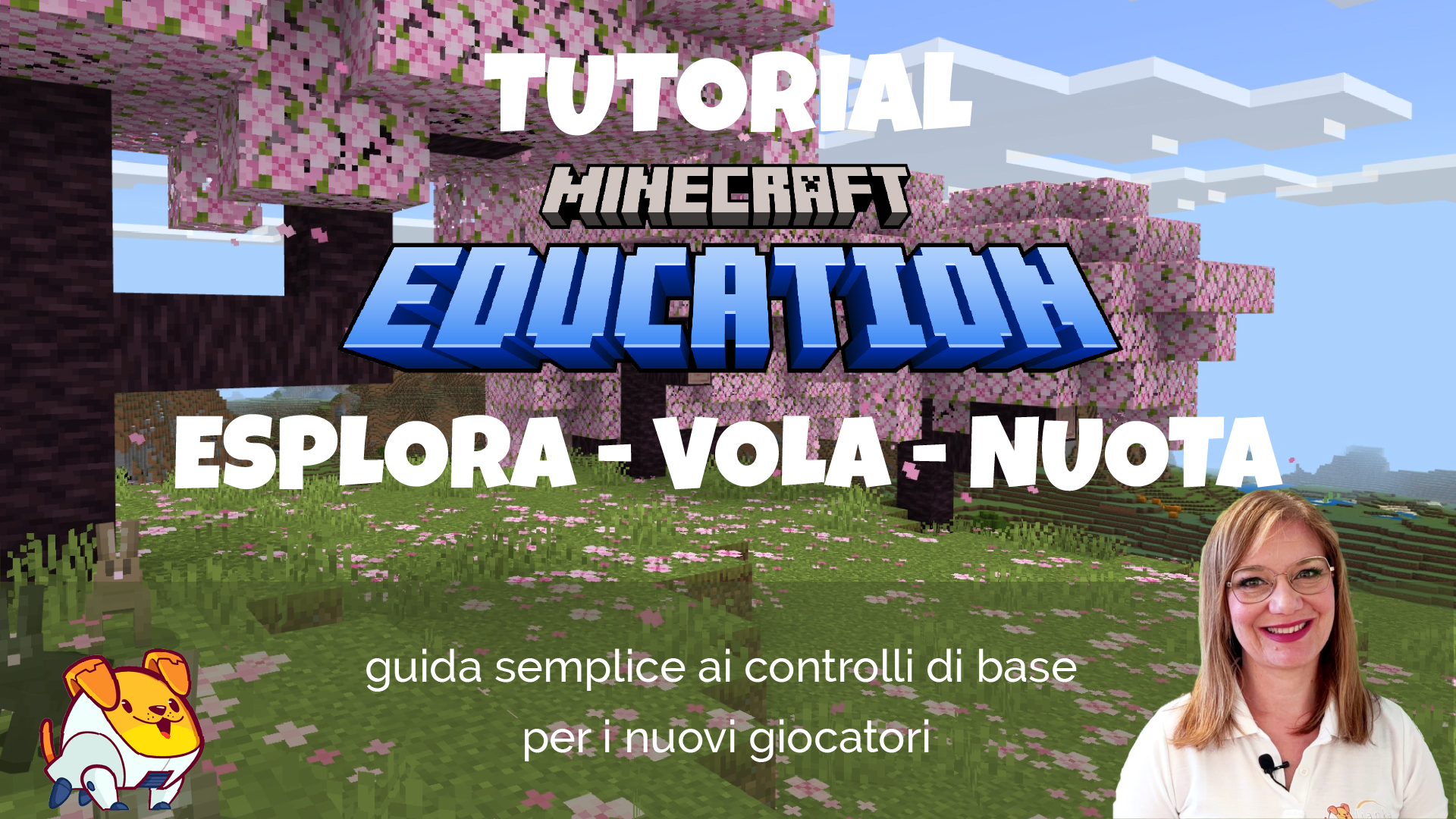
Minecraft Education: esplora, vola, nuota
In questo articolo accompagno docenti e nuovi giocatori nelle prime esplorazioni con Minecraft Education. Scopri come muoverti, esplorare, volare e nuotare usando i comandi base, fondamentali per prendere confidenza con il gioco prima di utilizzarlo in attività didattiche. Guarda anche il video tutorial.